
SHAREit: Transfer, Share Files APK Download – Fast Offline File Sharing App
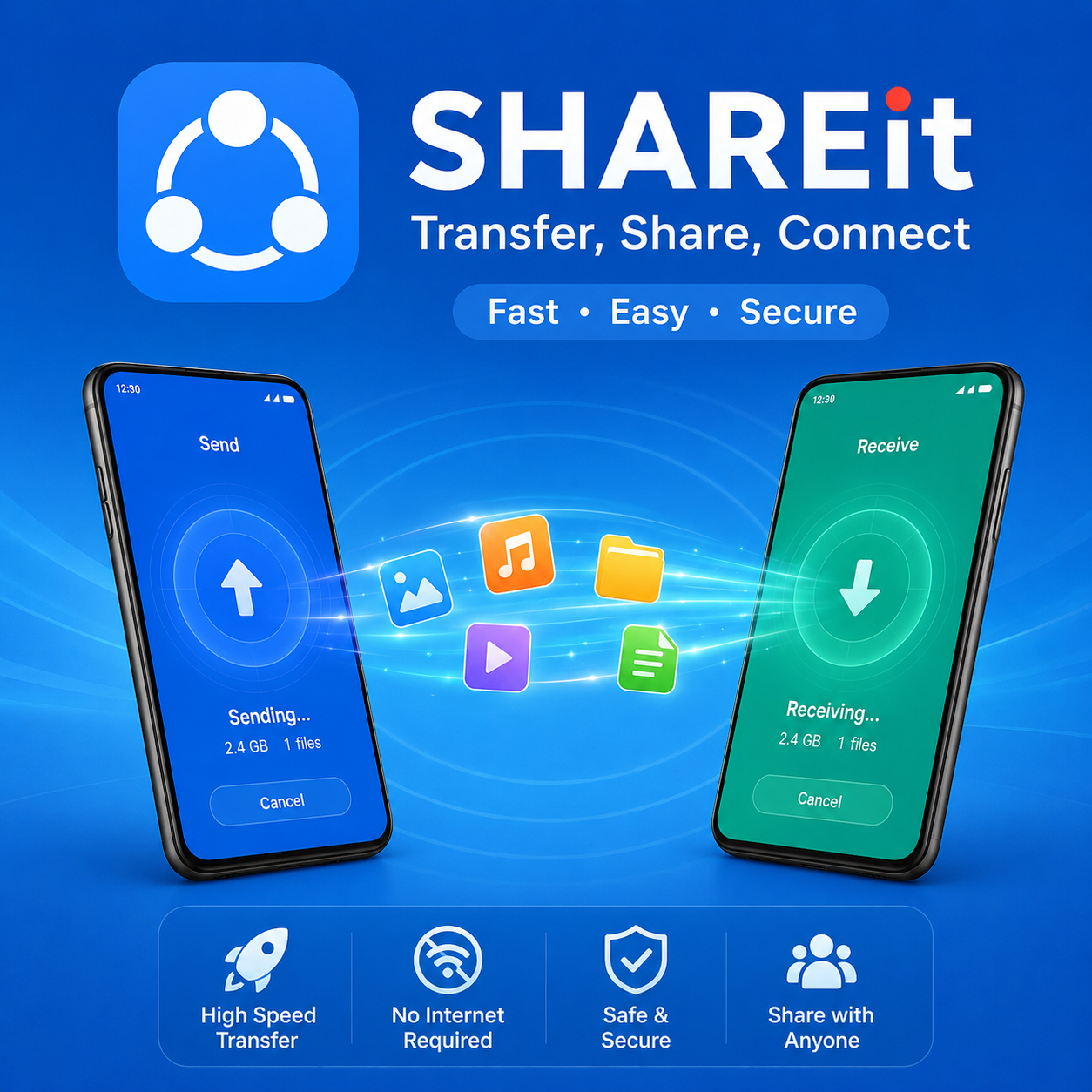
SHAREit: Transfer, Share Files is a powerful file-sharing app that lets you transfer photos, videos, apps, music, documents, and more between devices without using mobile data or USB cables. Whether you’re switching to a new phone, sharing large files with friends, or moving content between your phone and PC, SHAREit offers a fast and convenient solution.
Using a direct local connection, the app delivers high-speed transfers while keeping your files in their original quality. If you’re looking to download SHAREit APK or install the latest version of SHAREit, this app makes file sharing simple, secure, and efficient.
SHAREit: Transfer, Share Files Features
Lightning-Fast Offline File Transfers
SHAREit allows you to transfer files at speeds of up to 42 MB/s without using Wi-Fi data or mobile internet. Send large videos, photo collections, documents, or apps within seconds while preserving the original quality.
This makes SHAREit an excellent choice for users who regularly share large files and want a faster alternative to Bluetooth.
Share All File Types Across Multiple Platforms
With SHAREit, you can transfer almost any file type, including:
- Photos
- Videos
- Music
- Documents
- Apps
- APK files
- Games
The app supports file sharing between:
- Android devices
- iPhones and iPads
- Windows PCs
No cables, cloud storage, or account sign-in is required. Simply connect both devices and start transferring.
Phone Clone for Easy Device Migration
Switching to a new smartphone is easier with SHAREit’s built-in Phone Clone feature.
You can quickly transfer:
- Contacts
- Photos
- Videos
- Installed apps
- Documents
- Music
- Other personal files
SHAREit supports data migration for popular brands including Samsung, Xiaomi, OPPO, vivo, Huawei, OnePlus, and iPhone, helping you move everything with minimal setup.
Built-In Media Downloader
SHAREit includes a built-in downloader that lets you save videos and images directly to your device.
You can download media from supported platforms such as:
Downloaded content is stored locally, making it easy to watch, organize, or share later—even without an internet connection.
Smart File Manager and Secure Safebox
Beyond file transfers, SHAREit also works as a file management tool.
Key utilities include:
- Organize files and folders
- Remove unnecessary files to free storage
- Manage large files efficiently
- Browse downloads quickly
The built-in Safebox feature encrypts your private photos, videos, and files, adding an extra layer of protection for sensitive content.
PDF Converter and Music Player
SHAREit also includes several productivity tools.
You can:
- Convert images to PDF
- Convert PDF files into images
- Play music directly inside the app
- Transfer large game files without downloading cache files again
These features make SHAREit more than just a file transfer application.
Before You Use SHAREit
SHAREit creates a direct connection between devices, allowing files to move locally instead of uploading them to the cloud.
For successful transfers:
- Install and open SHAREit on both devices.
- Keep both devices connected during the transfer.
- Stay within wireless range until the process is complete.
Since files are transferred locally, you avoid mobile data charges while keeping your data private.
Required Permissions
To function correctly, SHAREit may request access to:
- Photos and media
- Files and storage
- Contacts (for Phone Clone)
- Device permissions required for transferring data
Only grant the permissions needed for the features you plan to use.
How to Use SHAREit: Transfer, Share Files
Getting started with SHAREit is simple.
- Install and open SHAREit on both the sending and receiving devices.
- Allow the required permissions.
- Tap Send on the first device and choose the files, apps, or documents you want to transfer.
- Tap Receive on the second device.
- Select the receiving device from the sender’s screen and confirm the connection.
- Wait for the transfer to complete.
- Open the Received folder or your file manager to access your transferred files.
The same process works for photos, videos, APK files, documents, music, and other supported content.
Why Choose SHAREit?
SHAREit combines fast offline transfers with useful productivity tools, making it one of the most popular file-sharing apps for Android.
Whether you need to:
- Transfer files between phones
- Share apps without mobile data
- Move files between Android and PC
- Clone your old phone
- Organize your storage
SHAREit provides a quick and reliable solution.
If you’re looking to download SHAREit APK or install the latest version of SHAREit, this app offers everything you need for secure and high-speed file sharing.
Additional App Information
| Information | Details |
|---|---|
| Latest Version | 6.53.38_UD |
| Developer | Smart Media4U Technology Pte. Ltd. |
| Requires Android | Android 4.2 and above |
| Category | Tools |
| Price | Free |
| Content Rating | Everyone |